One declaration. A whole app, for people and their agents.
Describe your work once. Graview generates the interface, the rules and an agent’s tools from it, and they stay in step.
On your computer · hand this to your agent
Read https://graview.dev/start.md, then turn this repo’s docs into a Graview app.
For Claude Cowork, Claude Code, Codex or Cursor.
Or yourself: npm create graview@latest
Hosted · Graview Cloud
Nothing to run. Describe it in ChatGPT or Claude, and a minute later it’s an app at its own address, live for everyone you invite.
graview create && app.jsonDeclared 4 kinds, 18 acts and 5 rules.graview checkCompiles and checks clean.seed.jsonNo doc covers packages/search, shared-types or telemetry.repair × 3Wrote a guide for each module.graview previewThe app, from altitude.- The interface is generated.A list per kind, a page per module, a form per act. The agent wrote none of it.
- Answered with a view: the modules, as a departures board.
The docs recipe, loading…
LiveWhat the docs prompt made of Larkspur, a made-up repository: its modules, docs and owners, its problems flagged and repaired, its interface generated and then asked for again.The recipe →
The rota, loading…
LiveA volunteer rota built on Graview: shifts, places and who covers them, in a calendar a coordinator and an agent both fill in. Switch seats from the person menu.The lens it uses →
The garden, loading…
LiveThe example garden in its own design: an almanac, not an admin panel, with a map it draws of itself, over the same store, actions and rules. Switch it to the scene from the bar.The garden, grown →
The interface
You never build the UI. You ask for the one you want.
Every kind gets a list, every record a page, every act a form. Want something else? Ask for it, and every rule still holds in what comes back. Press one:
The season, loading…
LiveWhat Graview generated from the declaration alone: the games, the families and a page for each. The Brookside Bears game has nobody on snacks, so the rule puts it on the home as a problem card, with its repair.
What it builds
Anything that is a thing, and the rules between them.
Scheduling, coverage, planning, operations: the work where the hard part is how things relate, and a form per table was never the interface anybody wanted.
The rota, loading…
LiveA volunteer rota built on Graview, narrowed by a relation: the three shifts of ten that Bo Ferreira covers this week. Clear it to see everyone’s.
- A volunteer rotaShifts and who covers them, in a calendar a coordinator and an agent both fill in.
- A tender responseRequirements against answers, with the one nobody answered flagged.
- A coaching weekThe team you’ll field decides the skills, and the skills decide the training.
- A household weekPeople, time and a synced calendar whose conflicts arrive with a repair.
- A shared gardenPlots, gardeners and a rule that every plot has a caretaker.
- Your repositoryIts docs, decisions and dependencies. The recipes below came from the prompt alone.
What you get
Everything else follows from the one declaration.
Say once what the domain is made of: its kinds, how they relate, what changes them, the rules they keep and who may do what. All of this is derived from it, and stays in step. Every one of them live, on the tour →
- Rules that repair
A broken rule says what is wrong and offers the fix as a button, to a person or an agent.
- An ordinary web app, free
A home, a list per kind, a page per record and a form per action, at phone width.
- Pictures that travel
A calendar, a board, a matrix, a timeline: written once, they work unchanged in your domain.
- The same buttons for agents
Every action is a typed tool, under the same permissions, in the same log, and can be taken back.
- What you can press is what you can see
Declare who may do what once, and the buttons, pages and tools all narrow from it.
- Change the app inside the app
The declaration opens as a graph you edit with ordinary actions, checked before it lands.
Graview Cloud
Rather not run it yourself? Graview Cloud hosts it.
Say what you’re organizing in Claude or ChatGPT, or start from a template. About a minute later it’s an app at its own address, live for everyone you invite. Change it later by asking.
Private alpha, free while it runs. Invites go out in small batches.
- People and AI in the same app. Every change says who made it, your AI included, and any one can be taken back.
- Rules that watch. The app flags the record that breaks a rule and offers the fix.
- Leave with everything. An app and its whole history export as one file that opens in the framework on your own machine.
Built on Graview
Products of their own, in their own design.
Graview is the framework, so what you build on it is yours: its own domain, its own look, its own address.
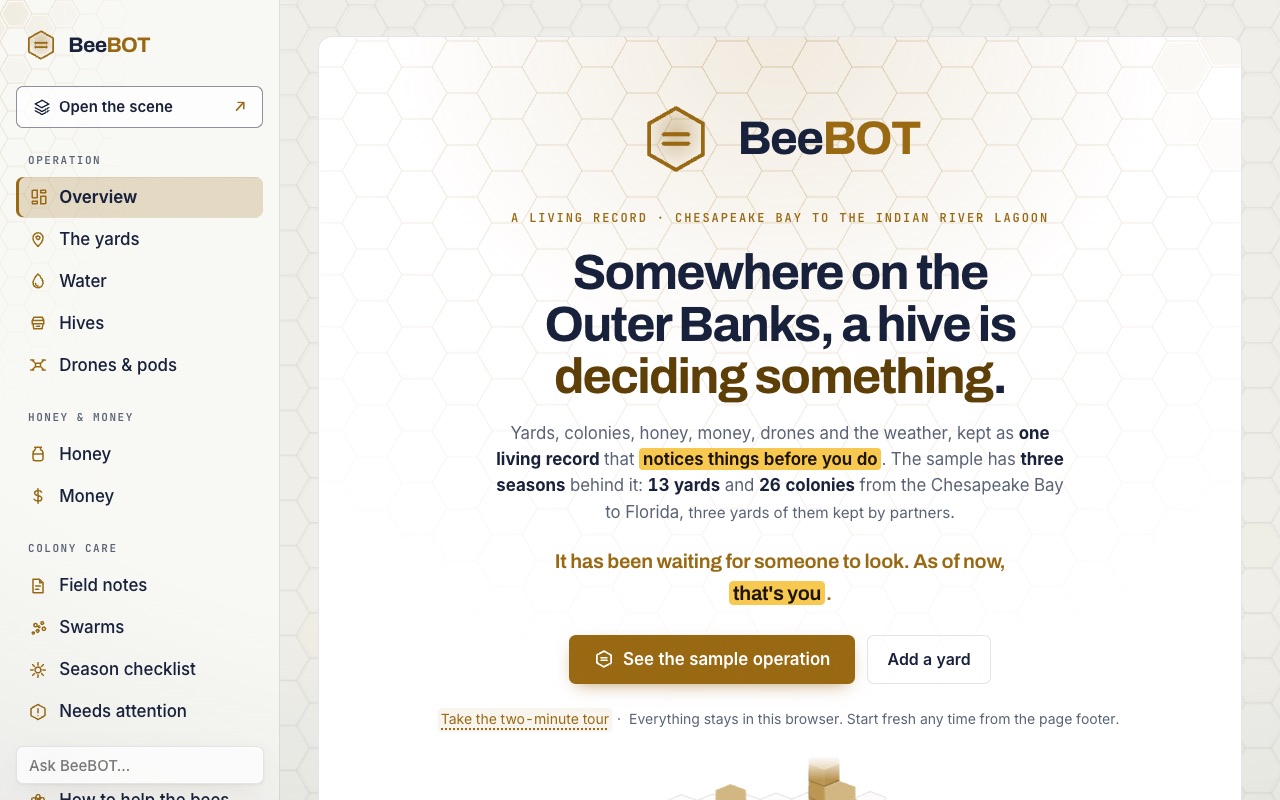
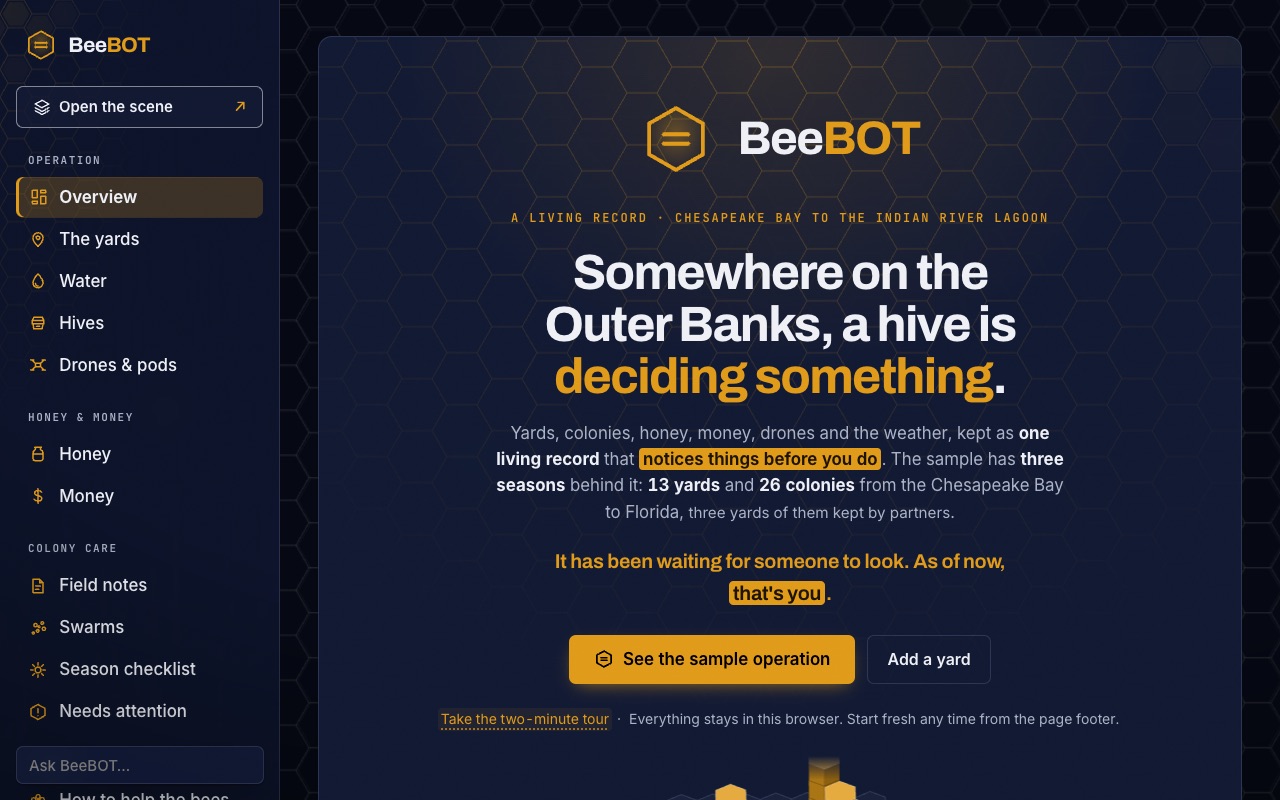 BeeBOTA beekeeping operation from the Chesapeake Bay to the Indian River Lagoon: its yards, colonies, honey, money, drones and weather as one living record that notices things before you do.beebot.drza.dev (opens in a new tab)
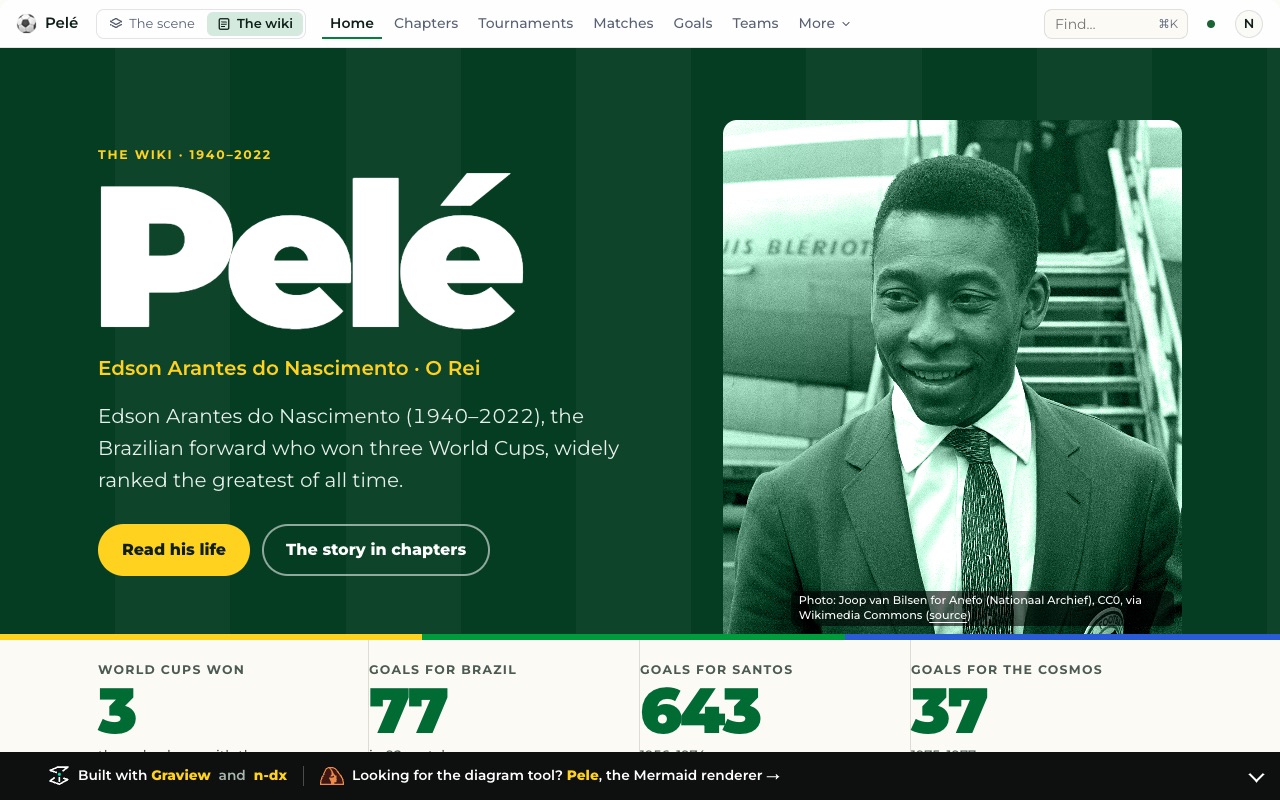
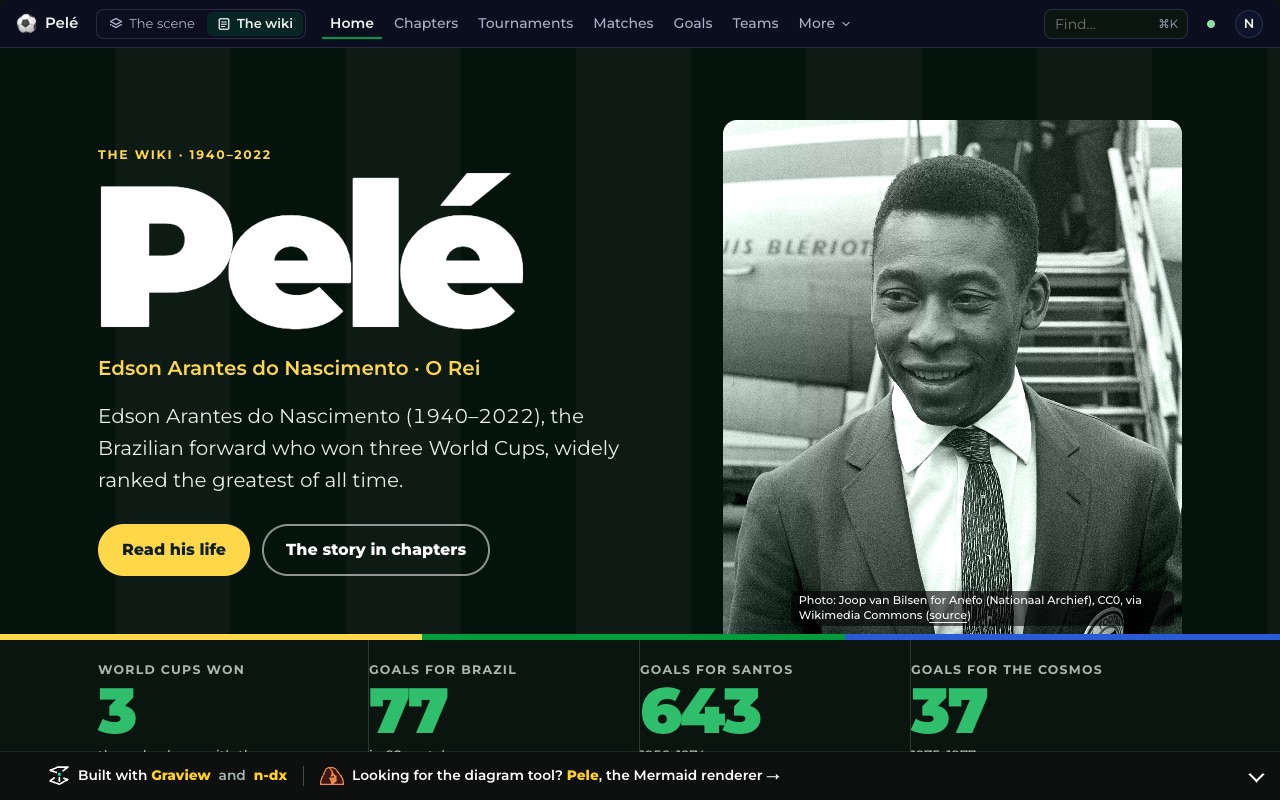 Pelé, the wikiThe footballer’s life as 201 records and 563 relations: chapters, four World Cups, clubs, matches, goals, people and honors, every record with its source, and a map of it all to fly over.pele.wiki/footballer (opens in a new tab)
Or start from your repository
The same prompt, a different task. Each is live on its own page. Getting started →
- Your docs, as an app4 kinds · 5 rules · 54 records
- Your decisions, as an app2 kinds · 6 rules · 30 records
- Your dependencies, as an upgrade plan5 kinds · 3 rules · 122 records
- Your architecture, with a face of its own3 kinds · 2 rules · 30 records
Each made by an agent from the prompt alone, over a made-up repository, and checked on every push. How they were made →
Questions, answered plainly
What is Graview?
Graview is an agent-native TypeScript framework, made by En Dash, for apps that people and AI agents work in together. A product declares its domain once — the kinds of thing, their fields and relations, the acts that change them, the rules they must keep and who may do what — and Graview derives the interface, the permissions and a typed tool for every act from that one declaration, so they cannot drift apart. The interface is an isometric scene a person flies over and a routed web app, and a checker says in plain words when the declaration is wrong.
What can I build with Graview?
Apps for anything that is a thing, and the rules between them: scheduling, coverage, planning and operations. A volunteer rota, a tender response, a coaching week, a household’s calendar and a shared garden are built on it, and so are apps over a repository’s docs, decisions and dependencies. Each gets an interface for people, rules that flag a problem and offer the fix, permissions, and a typed tool for every action an agent may take.
How is Graview different from other app frameworks?
Most frameworks have you build the interface, the permissions and the API separately and keep them in step by hand. In Graview they are one thing: each is derived from the same declaration, so the button a person presses, the tool an agent calls and the rule that judges both cannot drift apart.
What license is Graview under?
The Elastic License 2.0. The source is on GitHub, and you may build with it and ship products on it for free. The license does not let you offer Graview itself to others as a hosted or managed service, or remove its license notices.
How do I start a Graview app?
Hand your agent one sentence: Read https://graview.dev/start.md, then turn this repo's docs into a Graview app. The page it reads walks it through scaffolding the project, declaring the app, running graview check and opening graview preview. To drive it yourself, run npm create graview@latest my-app with Node 22 or later: it writes a running product, a test, a CI workflow and the authoring skills for Claude Code and Codex, and npm run verify checks it.
How do AI agents use a Graview app?
Through the same acts a person has. Every act in the declaration is a typed tool with a schema and a sentence, and graview mcp serves them over MCP against a real store. An agent is narrowed by the same policy as a person and held to the same rules, and each change it makes lands in the same log with its author, where it can be seen and taken back.
What is Graview Cloud?
Graview Cloud is the hosted product built on Graview, from En Dash, for people who would rather not run an app themselves, in private alpha and invite-only at graview.cloud. You keep working in the AI you already use: say what you are organizing in Claude or ChatGPT, or start from a template, and it becomes a shared, live app at its own address for the people you invite. An app and its whole history export as one file that opens in the framework on your own machine.